























HOMERUNIPTVSee plans
Entertainment on your terms

Homerun IPTV — Ultra-Fast 4K Streaming & Live TV in the United States

Make room for the shows, sports, and channels you care about. Explore flexible Homerun IPTV subscriptions for one to four screens, with a setup path that fits your device.

Flexible screen optionsSimple device setupFriendly support, day and night
Homerun IPTV world map showing international channel reach
Annual plan bonus

12 months + 1 month free

13 months of access for the fixed 12-month price. Confirm current availability with support.

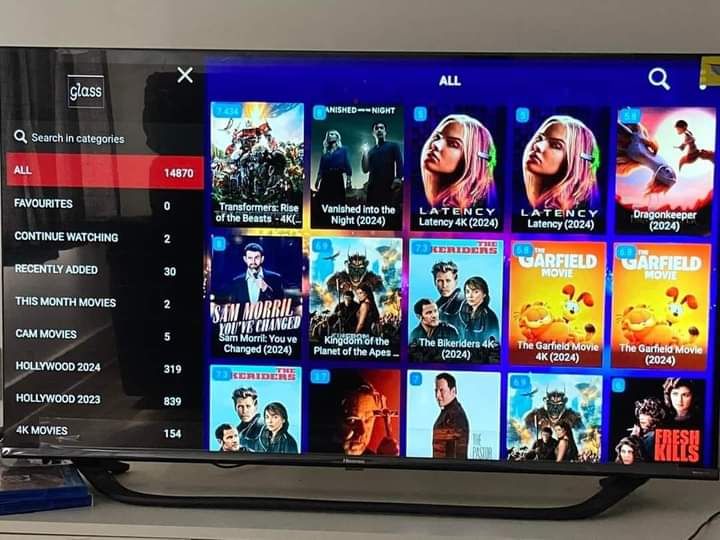
On demand, on your schedule

A world of movies and series on Homerun IPTV

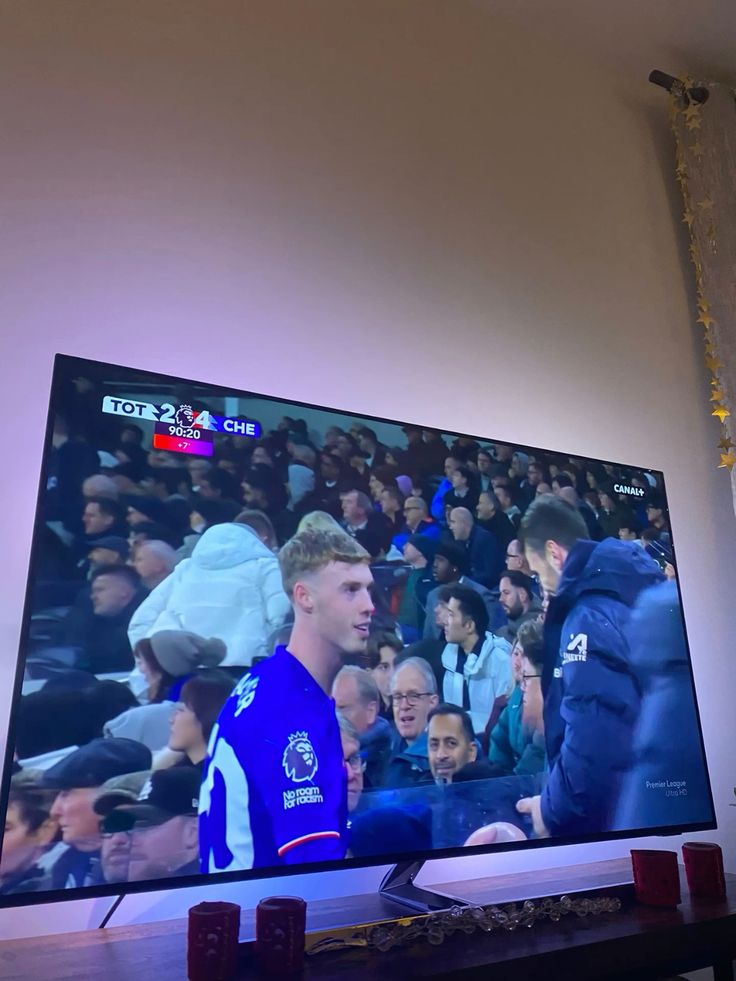
Every game feels closer

Homerun IPTV sports, from the couch to the big screen

See the experience

Preview the Homerun IPTV viewing experience

A clearer way to compare

How Homerun IPTV compares with traditional TV

CompareHomerun IPTVTraditional TV
Annual costFrom $67/year$1,200+/year
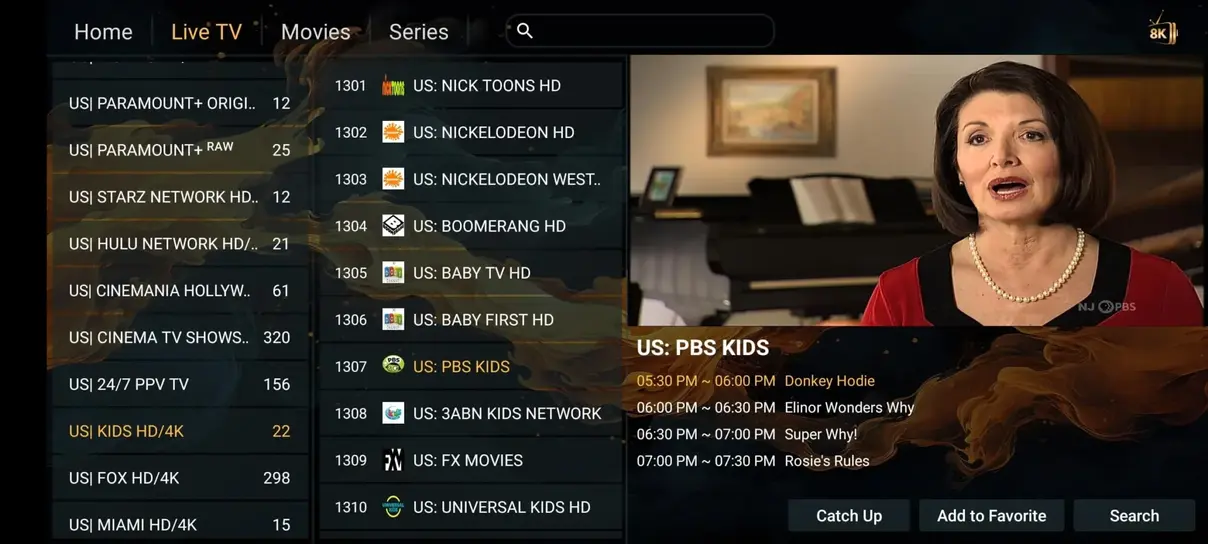
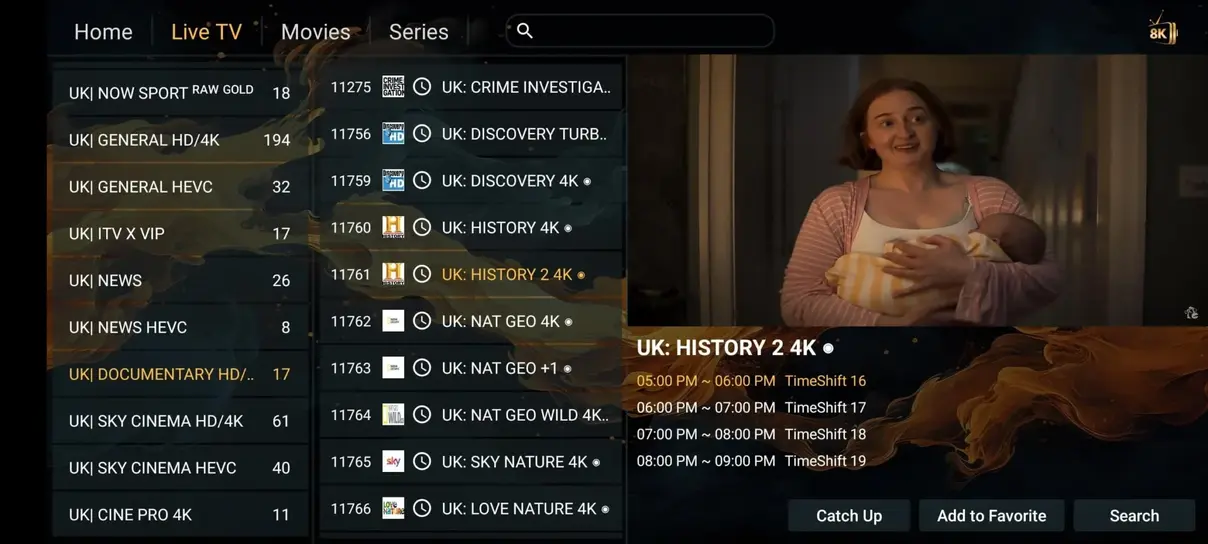
Live channels41,821+ in supplied catalogTypically 200–500
Movies and series177,000+ in supplied catalogOften extra
Adult channelsIncluded in planProvider dependent
24/7 channels1,000+ in supplied catalogProvider dependent
SportsIncluded by current lineupOften an add-on
ContractChoose your plan durationOften a recurring agreement
Watch anywhereSubject to rights and connectivityProvider restrictions vary

Illustrative comparison. Cable pricing and availability vary by provider; confirm the current IPTV lineup before ordering.

Simple, fixed subscription pricing

Homerun IPTV pricing, built around your screens

Select your connections and currency. Every amount is a fixed total; monthly and daily figures are comparisons.

How many devices?
Display currency
Homerun IPTV subscription

3 months

1 simultaneous device

$0

/ month · / day

  • 35,000+ international live channels
  • 179,000+ movies and series on demand
  • SD through 4K/UHD picture options
  • Stable servers and anti-buffer technology
  • Adult channels included
  • No bonus month

See all plan featuresChoose plan
Homerun IPTV subscription

6 months

1 simultaneous device

$0

/ month · / day

  • 35,000+ international live channels
  • 179,000+ movies and series on demand
  • SD through 4K/UHD picture options
  • Stable servers and anti-buffer technology
  • Adult channels included
  • No bonus month

See all plan featuresChoose plan
Flexible monthly plan

Try one month of Homerun IPTV

1 simultaneous device

$0

/ month · / day

Choose monthly plan

Daily equivalents use 30 days per month. The free annual bonus month is excluded from these comparisons.

Accepted payment method icons for Homerun IPTV checkout

Ask support which methods are currently available before paying.

More screens, one subscription

Homerun IPTV multi-screen plans

Choose a duration for each screen count. Every option uses the same fixed-price table and core service features.

Multi-screen subscription

2 devices

Watch on 2 devices at the same time.

$0

/ month · / day

+1 month free with 12 months

Choose 2 devices
Multi-screen subscription

3 devices

Watch on 3 devices at the same time.

$0

/ month · / day

+1 month free with 12 months

Choose 3 devices
Multi-screen subscription

4 devices

Watch on 4 devices at the same time.

$0

/ month · / day

+1 month free with 12 months

Choose 4 devices
From setup to screen

Activate Homerun IPTV in three steps

01

Choose a player

Install a compatible IPTV player from a trusted source on your Fire TV, Smart TV, Android device, or computer.

02

Enter your access details

Use the M3U link, Xtream details, or other activation information supplied after your order. Keep credentials private.

03

Start watching

Refresh the playlist, browse the guide, and test playback on the device and connection you plan to use.

Screen freedom

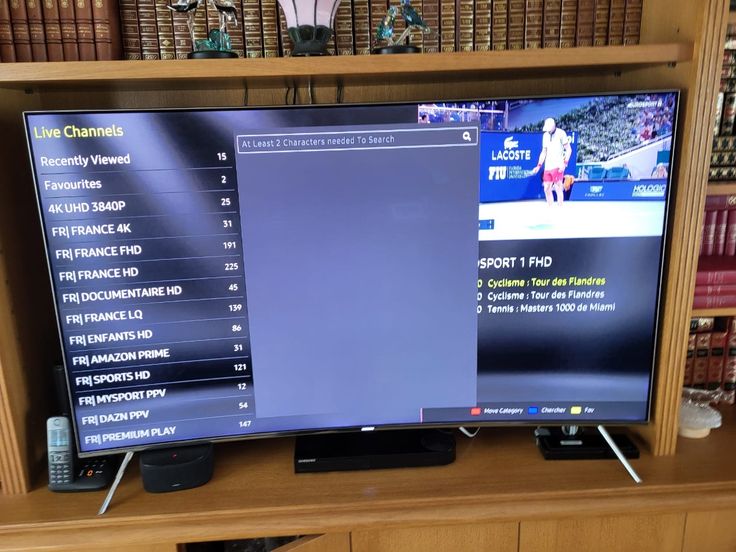
Homerun IPTV on the devices you already use

Review with confidence

Explore Homerun IPTV feedback and viewing setups

Customer experience

Ask the questions that matter before you order.

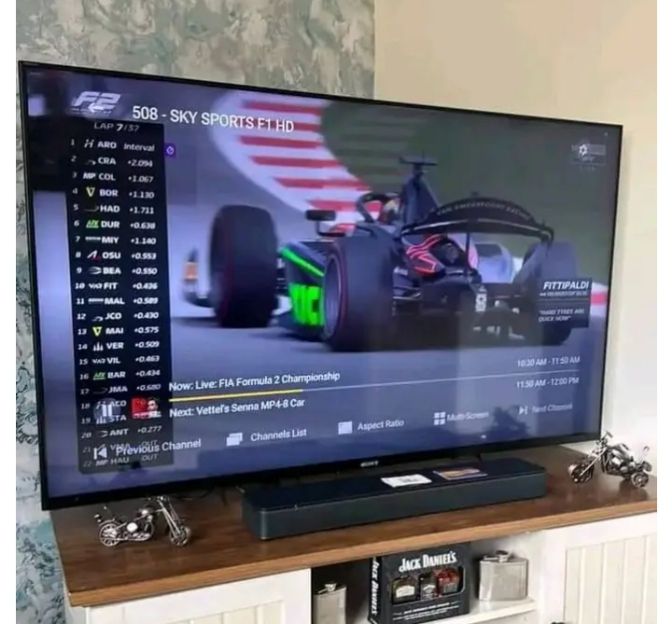
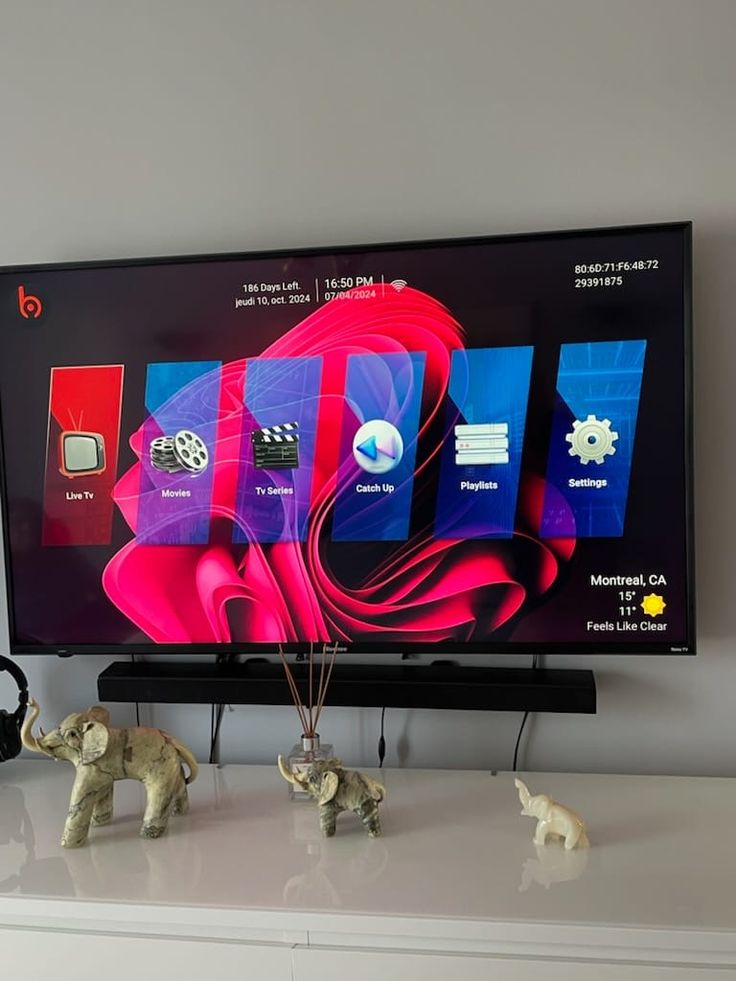
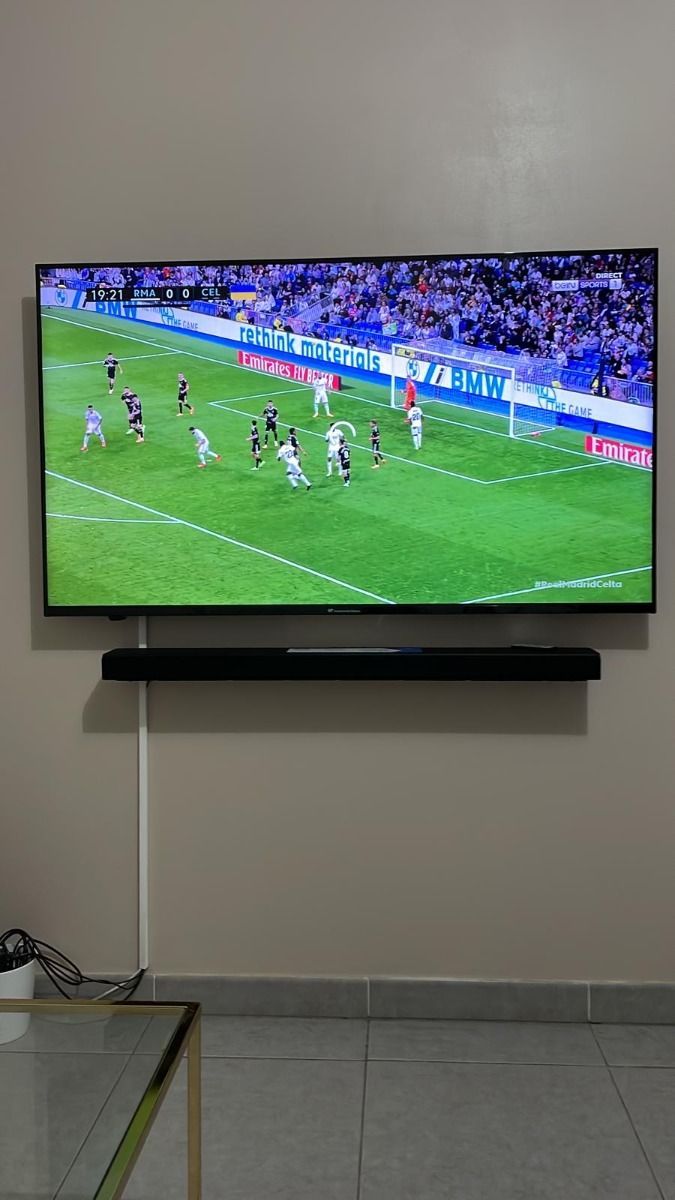
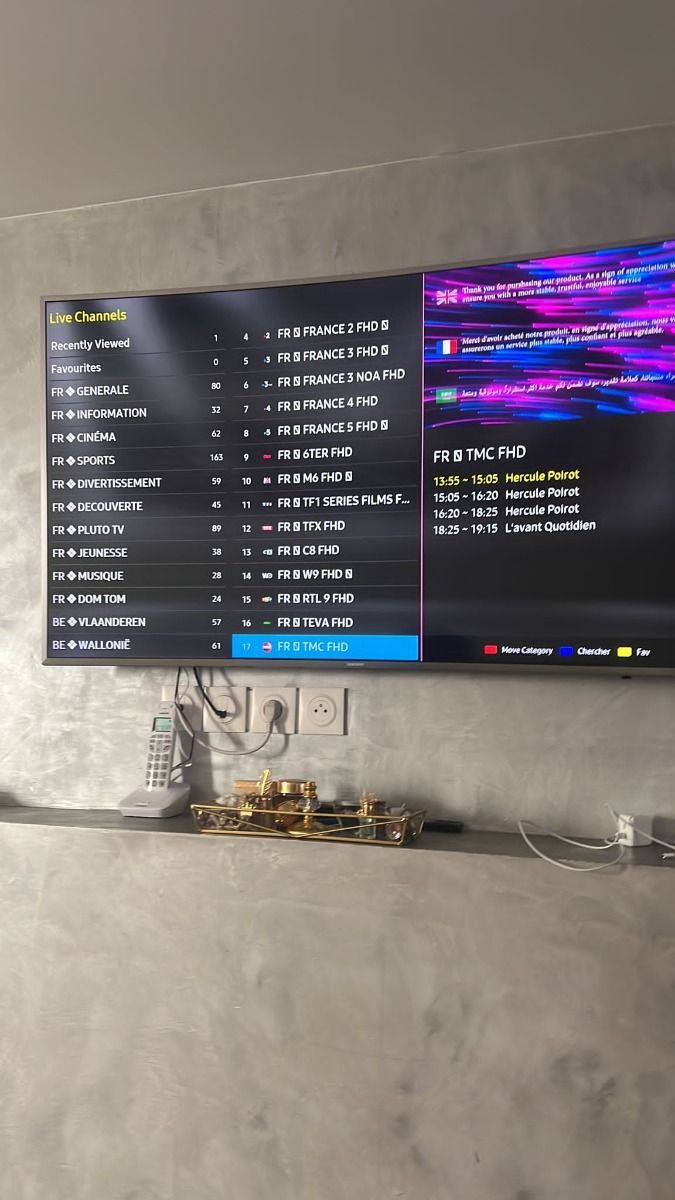
The supplied viewing photos show streaming setups; they are not verified testimonials. Our reviews guide explains what to check in independent feedback, including setup, stream stability, and support responses.

Read the reviews guide
Real answers, direct contact

Talk to Homerun IPTV support

Get help choosing a plan

Tell the team which device you use and what you want to watch. Ask for the latest lineup and payment terms.

Contact support
What matters most

Homerun IPTV features at a glance

01

Live and on-demand

Explore international channels, films, and series in one viewing setup.

02

One to four screens

Choose a plan for the number of simultaneous connections you need.

03

Guided installation

Use practical steps for popular players and devices, with support when you need it.

Answers before you order

Homerun IPTV frequently asked questions

What kind of customer support can I expect?

You can contact the Homerun IPTV team on WhatsApp for setup and account questions. The supplied service brief says support is available 16 hours a day and in English, German, French, and Spanish. Ask the team for its current hours and language availability before ordering.

How do support and payment work?

Choose your duration and number of screens, then open the prefilled WhatsApp request. A team member can confirm availability and send payment instructions. Check the amount, supported method, and refund terms before paying; the website does not collect payment details.

What devices can I use with Homerun IPTV?

Common options include compatible Smart TVs, Fire TV devices, Android TV boxes, phones, tablets, and computers. You need a suitable player app and the activation details supplied with your subscription. App availability depends on the device and its region.

What channels and content are offered?

The service brief lists a large international live-TV and on-demand catalog, including sports, films, and series. Individual channels and titles may change. Contact support for a current lineup and confirm that the content you want is licensed and available where you watch.

What internet speed do I need?

A steady connection matters more than a peak speed test. As a practical starting point, allow at least 10 Mbps for HD and 25 Mbps for 4K on each active stream. A wired connection can help reduce Wi-Fi interruptions.

Do I need a VPN?

A VPN is not inherently required to use a compatible IPTV player. Requirements depend on your network, location, and the rights attached to each stream. A VPN does not make unlicensed content lawful.

Can I watch while traveling?

A compatible device and internet connection can make travel viewing possible, but channel rights, regional restrictions, and local laws still apply. Ask support about the destinations and content you plan to use before you travel.

Explore your options

Channel categories and streaming apps